Give the family archive one clear home, a few plainly named folders and one short note explaining who may see or change what. Start small enough that a relative can understand it without a lesson. A broad first sort is enough; the Library of Congress recommends beginning simply and refining a personal collection in layers rather than trying to perfect every item at once. 1
Begin with a home everyone can recognise
Choose one agreed main location for the working archive. It might be a folder on a family computer, an external drive kept by a named custodian, or another shared place the family has chosen. Write its location in a short START-HERE note, along with the name of a person to contact if someone cannot find it.
Keep the first level calm and small. This pattern is deliberately plain:
00_START-HERE-AND-LISTS
01_ORIGINALS
02_WORKING-COPIES
03_RESEARCH-RECORDS
04_STORIES-AND-MEMORIES
05_QUESTIONS-TO-CHECK
06_SHARED-SELECTIONS
07_ARCHIVE-ADMIN
The numbers keep the folders in the same order on most devices. Add subfolders only when a folder becomes crowded, perhaps by family branch, place or decade. The point is not to make a perfect museum. It is to make the next item easy to put away. Descriptive digital directories and file names that indicate content or subject matter are also recommended by the Society of American Archivists. 3
Make each file name answer the basic questions
A useful name lets a cousin understand a file before opening it. Use one repeatable order, such as:
YYYY-MM-DD_People_Place_Item-Type_Status_v01.extension
For example:
1958-07-00_Rosa-Martin-and-James-Allen_Leeds_wedding-photo_ORIGINAL_v01.tif
Use 00 for an unknown month or day, or use undated when the year is unknown. Choose the name a person was known by in the family, then put other spellings, maiden names or nicknames in the description note. That reduces arguments over a filename while preserving useful clues.
Keep dates, people, place, item type and version in the same position every time. National Archives guidance explains that meaningful, consistent names make electronic records easier to identify and transfer, and that date or version components work best when they stay in the same position. Its detailed technical rules were written for government records, but the simple habit is helpful in a family archive too. 2
Keep originals, working copies and shared copies apart
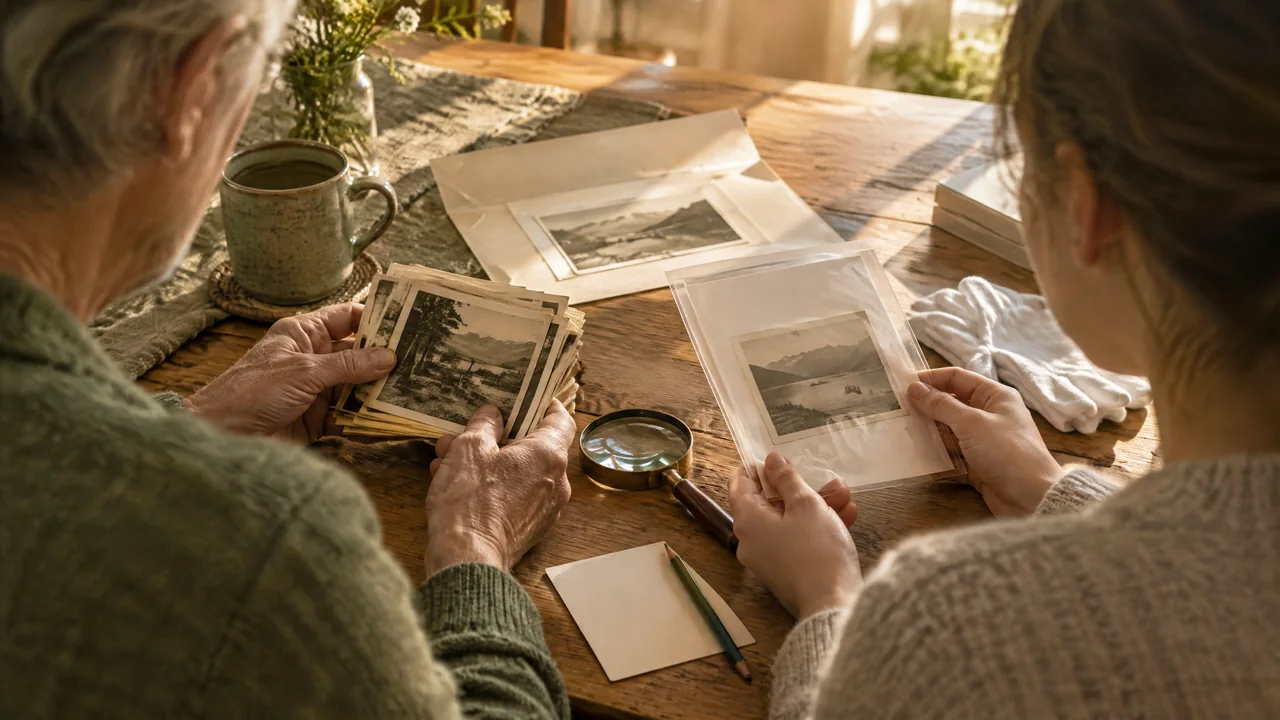
An original is the first digital capture or the untouched file you received: a scan, audio recording, photograph or document. Put it in 01_ORIGINALS and do not crop, brighten, type over or replace it. If an old file worries you, make a duplicate before opening or changing it; the Library of Congress gives the same caution for files from older disks. 1
Put improvements in 02_WORKING-COPIES. These may be a cropped photo, a transcription, a repaired recording or a document with notes. Put only agreed, smaller or suitably edited copies in 06_SHARED-SELECTIONS. A status word in the filename makes the difference visible: ORIGINAL, WORKING or SHARE.
This separation also helps the family distinguish kinds of knowledge. Store a census image, certificate or research citation in 03_RESEARCH-RECORDS. Place a remembered story in 04_STORIES-AND-MEMORIES, with the storyteller's name and the date it was shared. Put an uncertain parent, date or spelling in 05_QUESTIONS-TO-CHECK. A warm story can be valuable without being presented as proof, and an unanswered question is more honest than a forced answer. Context matters: the Society of American Archivists specifically encourages identifying photographs and recording information such as people shown and stories behind significant items. 3
Let access be an act of care
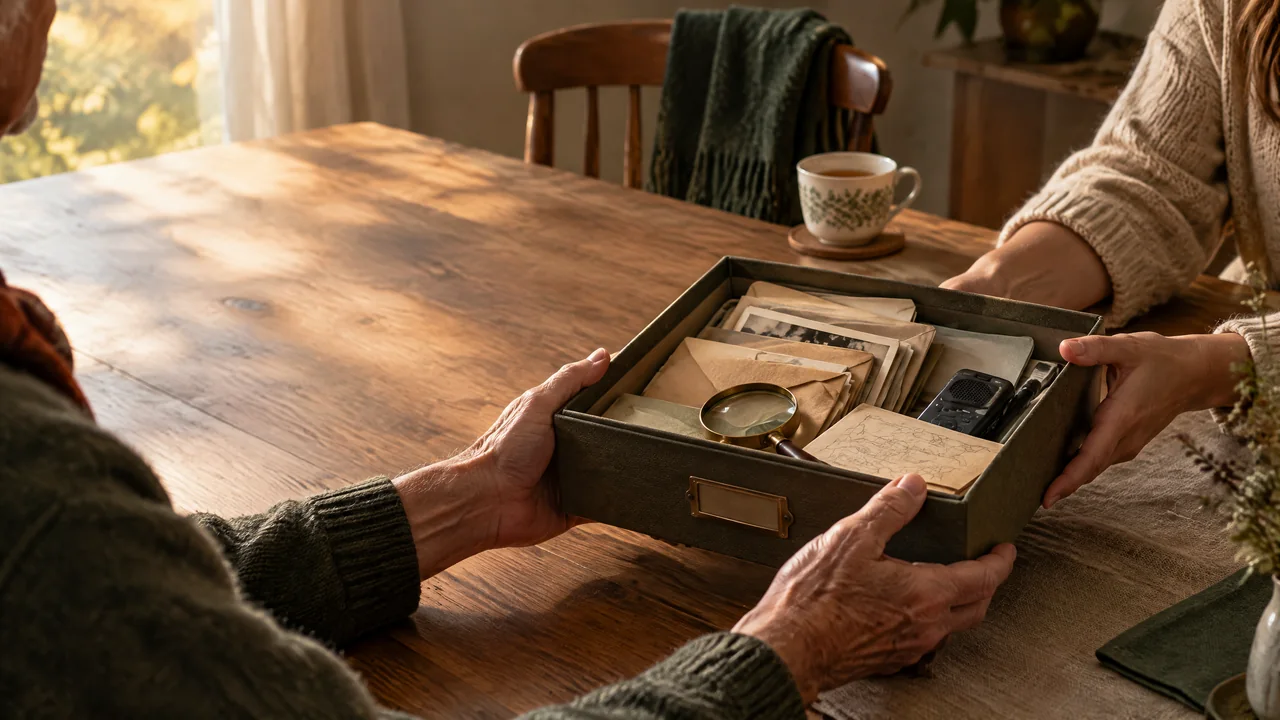
Keep a simple private access list in 07_ARCHIVE-ADMIN. It does not need passwords. It can say who is the archive contact, who may add files, who may edit captions, who may see original material and which items should not be passed on. Record a date beside each decision so it can be revisited.
Ask before adding or sharing recognisable material about a living person, especially photographs, recordings, contact details or a sensitive story. Say clearly who would see it and what you plan to do with it. A relative may prefer a limited audience, a different caption, or no inclusion at all. Opting out is acceptable; it is not a rejection of the family. When permission is unclear, keep the item out of the shared selection until you can ask.
A 10-minute archive card
Copy this into the START-HERE note and fill it in together. It is a small worksheet, not a contract.
- Archive contact: [name and a way to reach them]
- Main archive location: [plain description of where it is]
- Second copy location: [plain description, checked on date]
- Who may add files: [names or group]
- Who may change captions or names: [names or group]
- Sharing boundary for living people: [ask first / named family group / do not share]
- Current naming pattern: [paste the pattern]
- Last tidy-up: [date and initials]
If the archive contact changes, update this card first. It is more helpful than leaving relatives to guess who holds the latest copy.
Leave a trail when something changes
Inside 07_ARCHIVE-ADMIN, keep a brief VERSION-NOTES file. One line is enough: 2026-10-30 | AJ | A014_WORKING_v02 made from A014_ORIGINAL_v01 | lightened scan; names not changed. This makes a correction understandable without making anyone defend it. When a new research record changes a conclusion, add the new record and a note rather than erasing the earlier question.
Set aside fifteen minutes every month or two. Name the new files, move them out of any inbox folder, add a version note where needed and look at the access list if the group has changed. From time to time, open a few important copies to make sure they are usable. The Library of Congress advises keeping copies in different places and checking a sample by opening files after copying. 4
A shared archive becomes manageable when each person knows where an item belongs, what kind of item it is and how to treat it kindly. It does not need every relative to contribute. A small, voluntary group can keep the door open for others whenever they are ready.
If you would like an optional place to explore a family-tree project alongside your archive, visit MemContinuity’s Family Tree.